
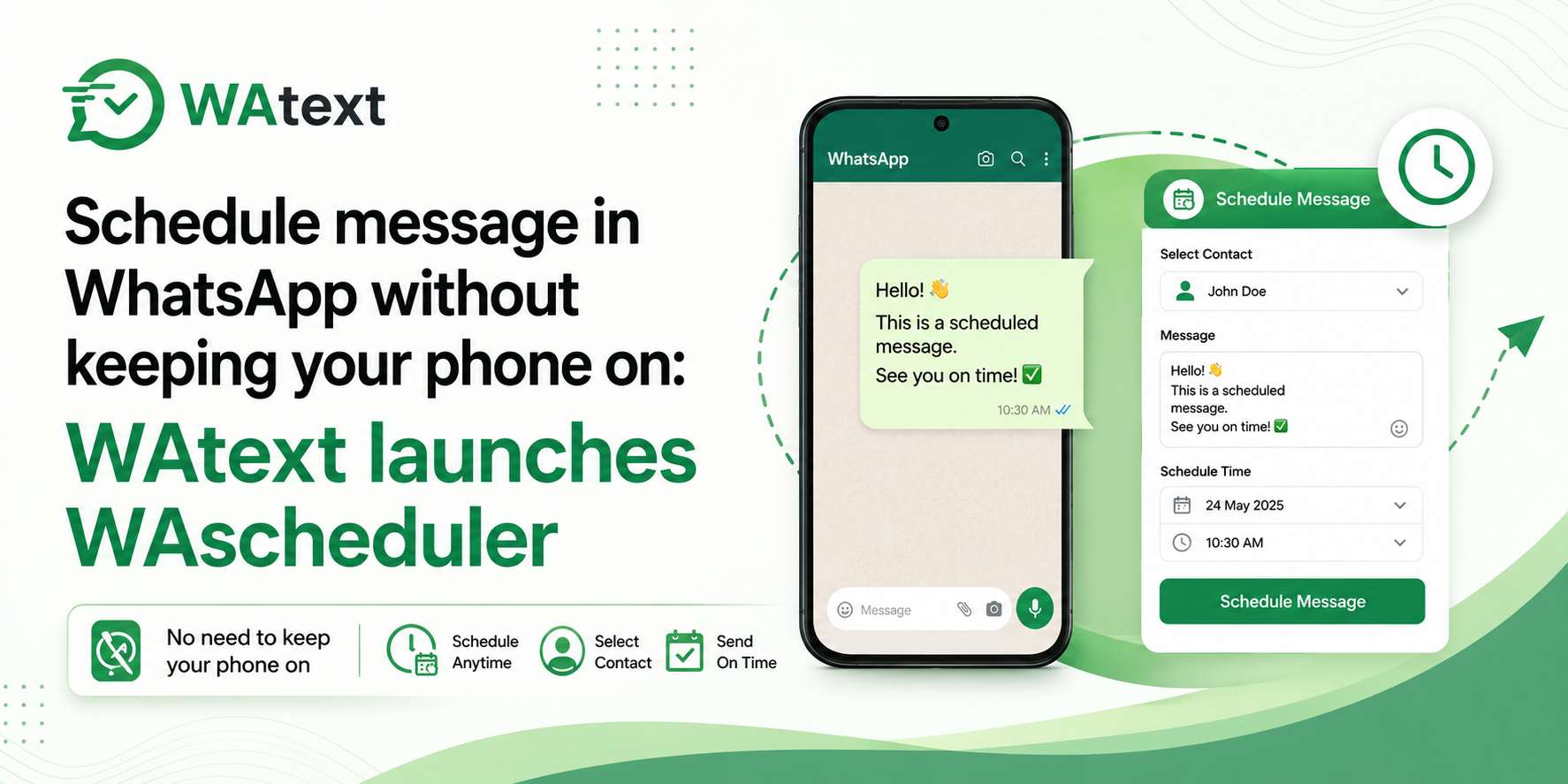
New Delhi, India – May 29, 2026 – WAtext today launched WAscheduler, a free cloud tool that lets anyone schedule message in WhatsApp and have it sent on time, whether the user’s phone is on or not. Unlike existing scheduling methods, WAscheduler runs entirely from the cloud, so users can set a campaign, close their laptop, leave their phone behind, and the message still fires at the chosen second.
The gap in the market
Every existing way to schedule a message in WhatsApp shares the same broken assumption: that the user’s device will be on, unlocked, connected to the internet, and within arm’s reach the moment the message is supposed to send. Break any link in that chain and the message doesn’t go.
iPhone Shortcuts pings the user with a confirmation prompt when the message is due — if they’re asleep, on a flight, or have the phone on silent, the message stays in the queue. Android scheduler apps need the phone unlocked, the app awake, and accessibility permissions that break with most OS updates. The WhatsApp Business app doesn’t schedule outbound messages at all; its “Away message” feature is an auto-reply to incoming chats, not a scheduler. WhatsApp’s own native scheduling, still in beta, will fire one message to one contact when it eventually rolls out — no bulk, no personalization.
None of these options send a personalized message to fifty customers at 9 a.m. while the sender is asleep. That’s the gap WAscheduler closes.
How to schedule a message in WhatsApp with WAscheduler
Setup takes about two minutes. After the first campaign, scheduling new ones takes about thirty seconds.
Scan a QR code to connect WhatsApp — the same one-tap mechanism WhatsApp Web uses. Then paste a list of numbers, or upload a CSV, where every column becomes a variable that can be dropped into the message. Write the message and add personalization in curly braces — for example: Hi {first_name}, your order {order_id} ships tomorrow. Attach a file if needed, whether that’s a PDF invoice, product image, voice note, or brochure. Pick a send time (time zones are handled automatically), click Schedule, close the tab, and turn off the phone. The messages fire from WAtext’s servers at the chosen time.
Quote from WAtext
“Every other WhatsApp scheduler we tested assumed your phone would be on, charged, and connected at exactly 9 a.m. Monday. That’s not how anyone’s day works,” a spokesperson for WAtext said. “We built WAscheduler so the message goes whether you’re in a meeting, on a flight, or asleep. You schedule it once and forget it. The phone can stay in your bag.”
Who’s already using it
Early users span several categories. Small business owners use it to schedule order confirmations, payment reminders, delivery updates, and festival offers to opted-in customer lists. Salespeople and recruiters use it to send follow-ups at the exact day and time they promised, in the recipient’s time zone, without sticky notes or mental load. Tutors, coaches, and clinics schedule weekly class reminders, appointment confirmations, and group check-ins — set up once and firing forever. Event organizers use it to stagger the invitation, the day-before reminder, the “we start in 30 minutes” nudge, and the post-event thank-you all in one sitting. And solo founders use it to run personalized campaigns that make a one-person operation look like a team of five, without the cost or complexity of the WhatsApp Business API.
Account safety and compliance
WAscheduler logs in the same way WhatsApp Web does. The user scans a QR code, and the session lives behind their WAscheduler account. There’s no password to leak because there isn’t one. Users can disconnect at any time from their phone’s WhatsApp settings.
The product rate-limits sends to keep numbers safely under WhatsApp’s tolerance thresholds. WAtext recommends users only message contacts who have opted in to hear from them, the same rule that applies to any tool that sends WhatsApp messages, including WhatsApp itself.
Availability and pricing
WAscheduler is free to try. No credit card is required to start, and no app needs to be installed. The free plan supports up to 500 recipients per campaign. Paid plans remove the recipient cap and allow unlimited concurrent campaigns.
The tool works in any modern browser on iPhone, iPad, Android, Mac, and Windows. It supports both personal WhatsApp numbers and WhatsApp Business numbers. Users connect whichever number they want to send from by scanning the QR code from the corresponding app.
About WAtext
WAtext builds free and paid tools for WhatsApp and Instagram. The product line includes the WhatsApp Link Generator, the WAexport browser extension for exporting WhatsApp chats, the Instagram Chat Backup tool, and the WhatsApp Direct Chat utility for messaging numbers that aren’t saved as contacts. WAscheduler is the company’s first cloud-based scheduling product, built to remove the device-on requirement that limits every other WhatsApp scheduler on the market.
Tags:
WhatsApp Link Generator, WhatsApp Marketing Tools, Click to Chat WhatsApp, WhatsApp Business Communication
